
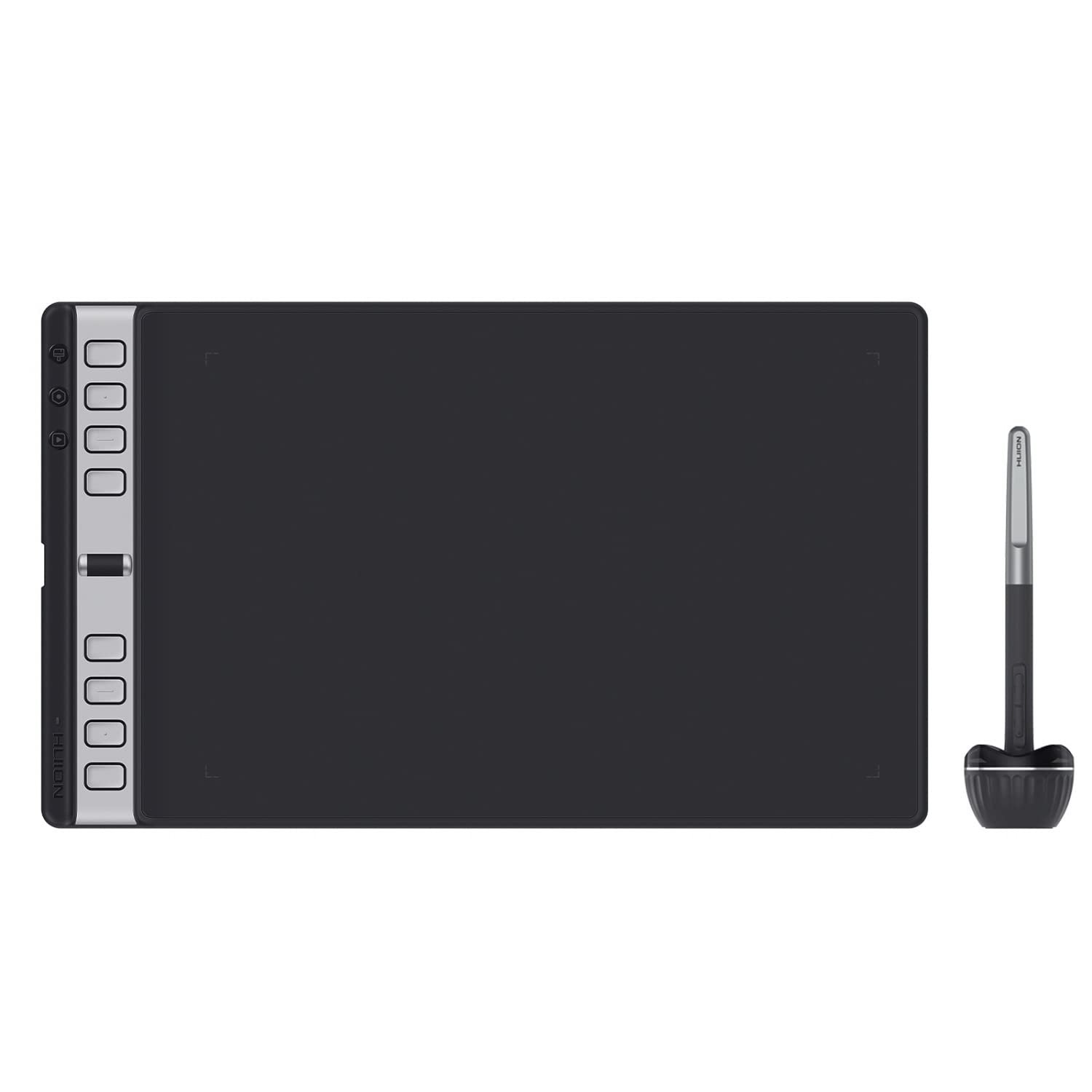
HUION Inspiroy 2 Large Drawing Tablet with 3-Group 8 Customized ExpressKeys
Categories:
📁 Bazaar99 Best Seller
📁 Computers & Accessories
📁 Digital Pens
📁 Graphic Tablets
📁 Keyboard & Mice Accessories
📁 Keyboard & Mouse Sets
📁 Keyboards
📁 Keyboards, Mice & Input Devices
📁 Mice
Product Specifications & Details
Welcome to the premium feature showcase and detailed technical overview for HUION Inspiroy 2 Large Drawing Tablet with 3-Group 8 Customized ExpressKeys. Closely mapped under our verified Bazaar99 Best Seller, Computers & Accessories, Digital Pens, Graphic Tablets, Keyboard & Mice Accessories, Keyboard & Mouse Sets, Keyboards, Keyboards, Mice & Input Devices, Mice line-up, this product is selected based on outstanding customer ratings, modern engineering efficiency, and superior long-term durability. Scan through the official specifications and bullet points below to explore everything this choice has to offer.
Product Overview
About this item
- [Advanced PenTech 3.0] Upgraded from PenTech 2.0 to PenTech 3.0, the Inspiroy 2 art pad offers amazing precision & control over every line with no noticeable lag & wobble, just like a standard pen. [Ergonomics Pen Design] The new digital stylus PW110 is improved and designed with a slimmer body, soft silicone grip & accessible side buttons for better ergonomics & comfort.
- [Programmable Scroll & 3-Set Shortcut Keys] Unique scroll wheel & 3-Set 8-press keys can be customized to your favorite shortcut so that your creative work becomes smoother and more efficient. You also can change the settings for different apps. [Mobile Friendly] Enjoy creating on your Inspiroy 2 and see your drawings and paintings come to life on your Android smartphone or tablet (OS version 6.0 or later).
- [Multi-OS Compatibility] Inspiroy 2 pen tablet is compatible with Mac (MacOS 10.12 or later), PC (Windows 7 or later), Linux (Ubuntu), and certain Android devices (OS version 6.0 or later). [Ultra-Portable] The slim & compact design takes less desk space and makes it easy to carry between home, work, and school. It can be easily packed in your laptop bag for on-the-go creation.
- [Easy to Set Up] Just connect the USB-C cable to your Mac or PC, download and install the driver then you’re ready to go. Starting creation really is that easy and simple. It is also available for left-handed users.
- [Versatile Digital Canvas] Draw, sketching, editing images, taking notes, or signing documents on the computer couldn’t be easier with a responsive pad and stylus. Inspiroy 2 can be used with the most creative software and many online learning applications and platforms.
›
Similar Products You May Like
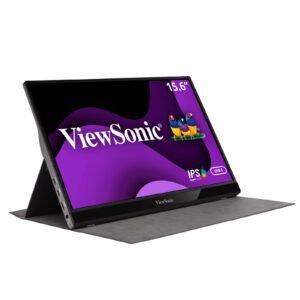
ViewSonic VG1655 16-Inch (40.6 cm) Portable Monitor, FHD 1080p, USB-C, Ultra-Slim 6.9mm, 810g, Bezel-Less, Premium Metallic Design, Compatible with Laptop, Tablet & Mobile
₹15,490
Get Deal